No VRM conversion
Export once from your avatar project and you're done. If you change the avatar, just export it again.
 AVATAR LIVE
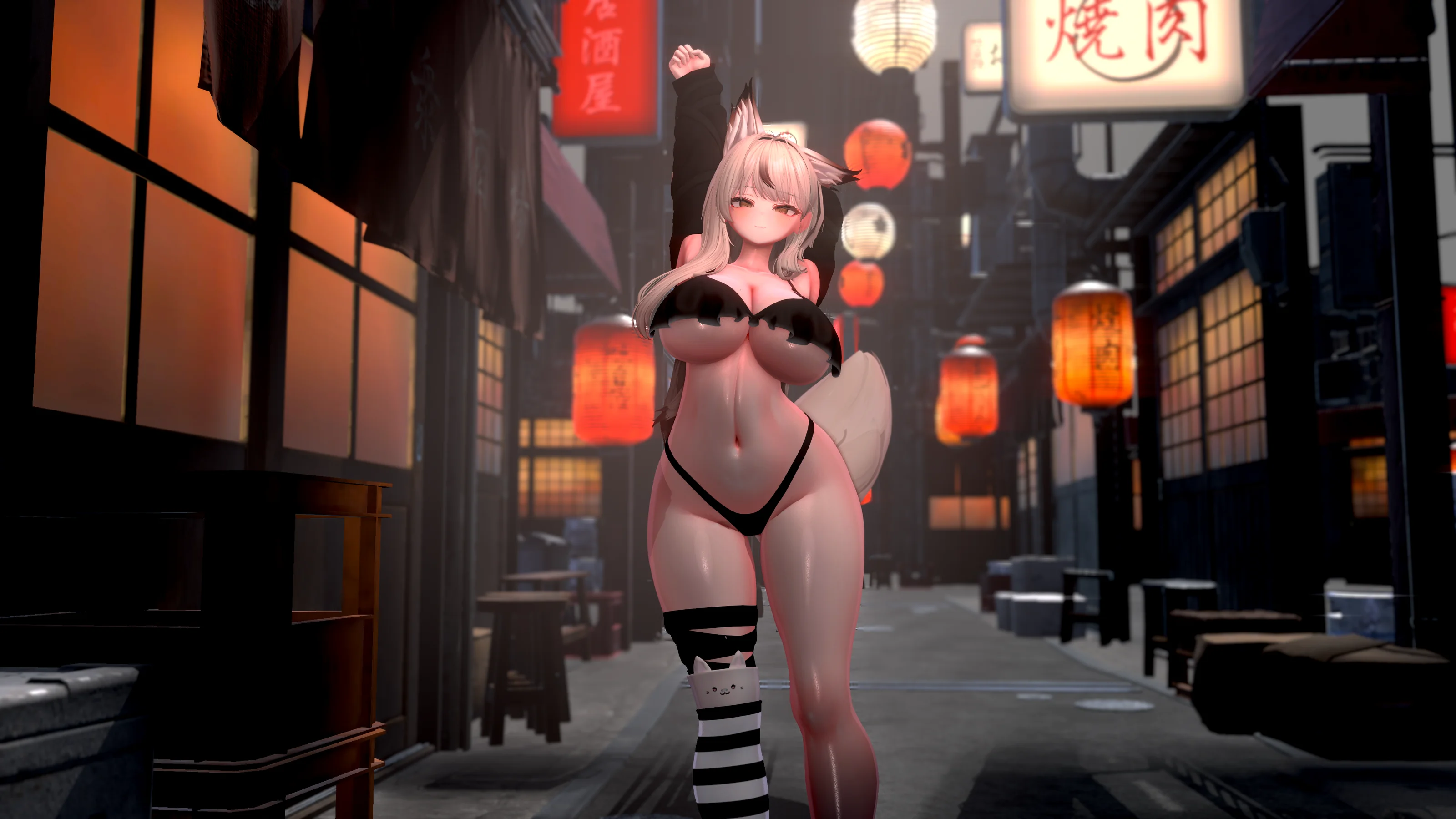
A Windows VTuber app for VRChat avatars
No VRM conversion, no complicated setup all over again.
Bring the avatar you know to your streams and screen shares.
Works right away with
Features
No need to rebuild anything. Everything built into your avatar moves just as it is.
Export once from your avatar project and you're done. If you change the avatar, just export it again.
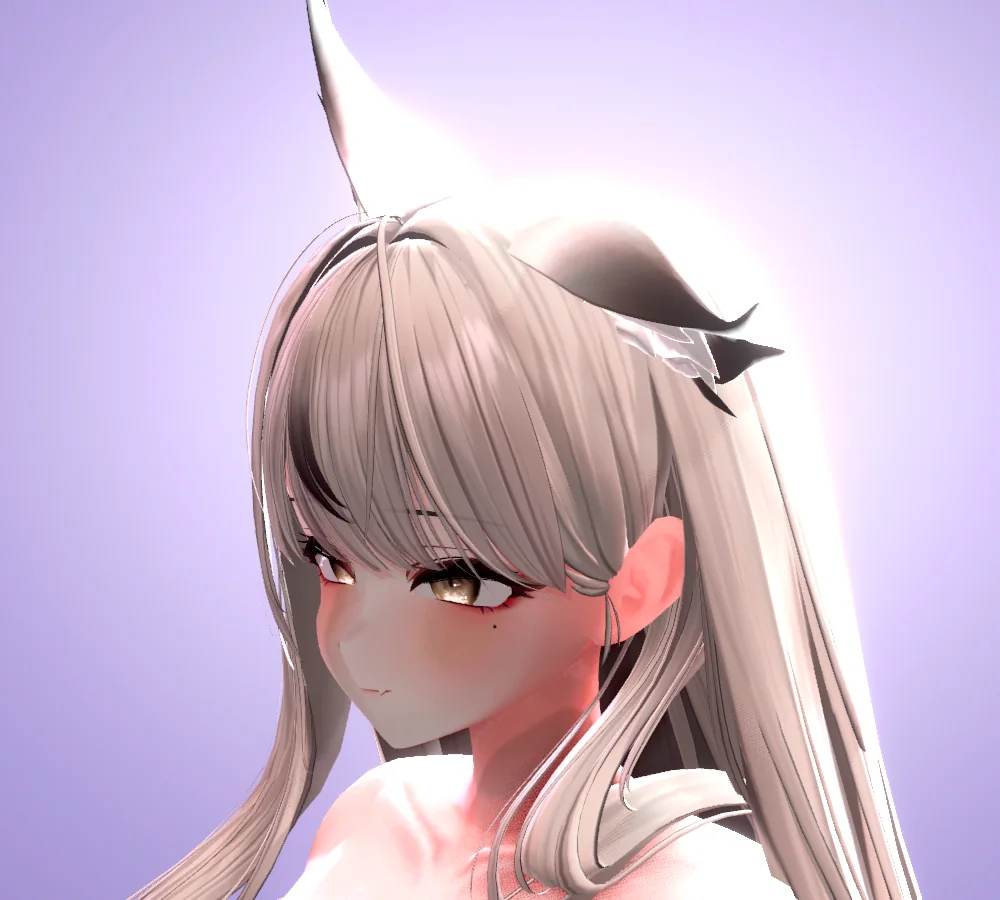
Shows the shaders on your avatar, such as Poiyomi and lilToon, just as they are.
Swaying hair, outfit toggles, even expression buttons move with the same settings as in VRChat.
Expressions, gaze, finger joints and even full body with a single webcam. Mix in an iPhone and VMC (full-body trackers · gloves) part by part.
Even when your hands are out of view, the avatar's hands move with your typing and mouse. The characters you type are not recorded.
Send a transparent background to OBS, and the game and your avatar on one screen to Discord.
How it works
Open the Unity project (2022.3.22f1) of the avatar you upload to VRChat.
Create a .vavatar file with a single click in Curious Bobby - Avatar Exporter.
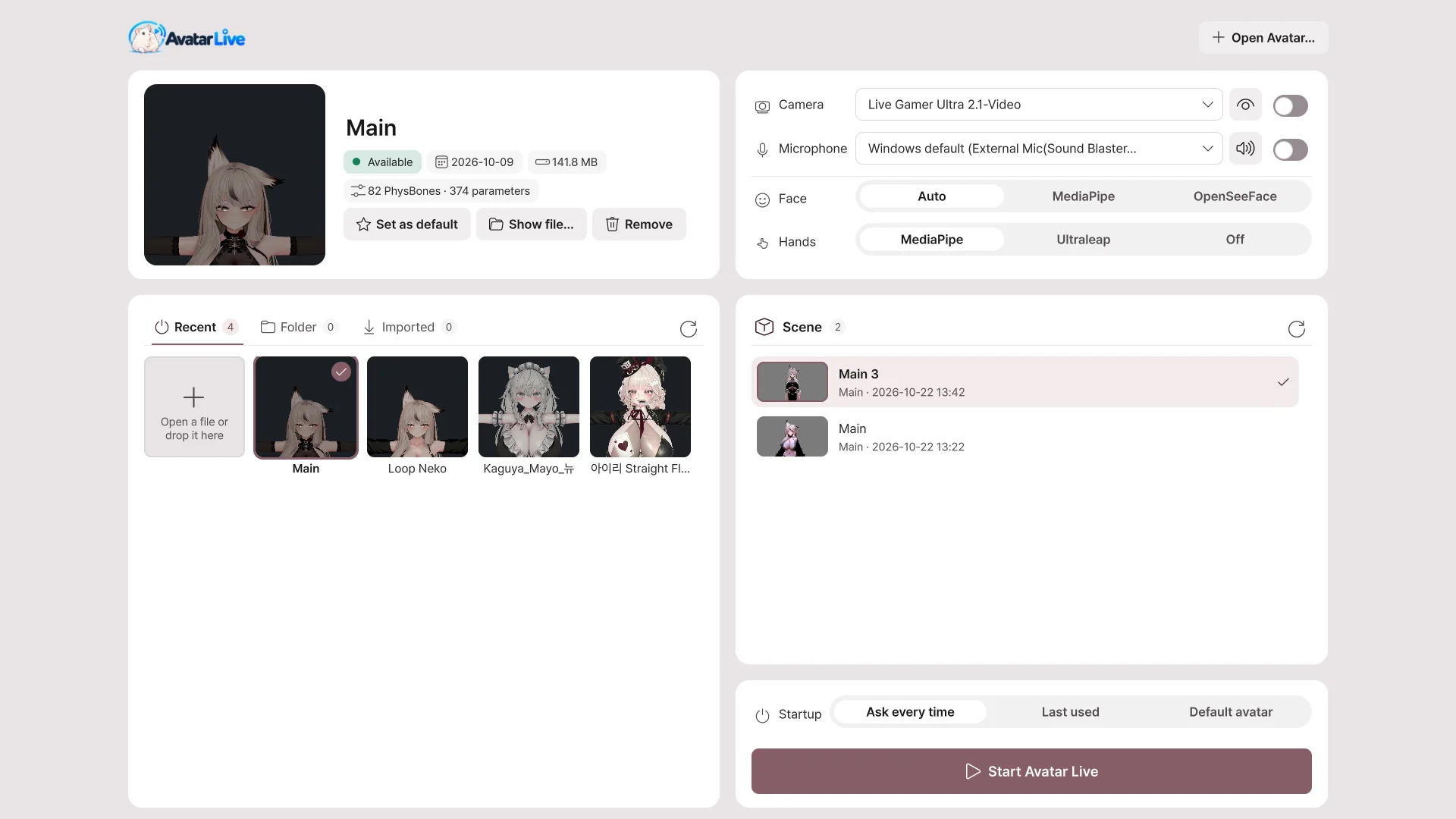
Open the file and turn on your webcam, and your avatar moves right away. From then on, you don't need Unity.
VRM 0.x and 1.0 files can be opened directly without Unity. A Unity project is needed to export a VRChat avatar as .vavatar, but .vrca files cannot be opened directly. See the export guide
Take a look
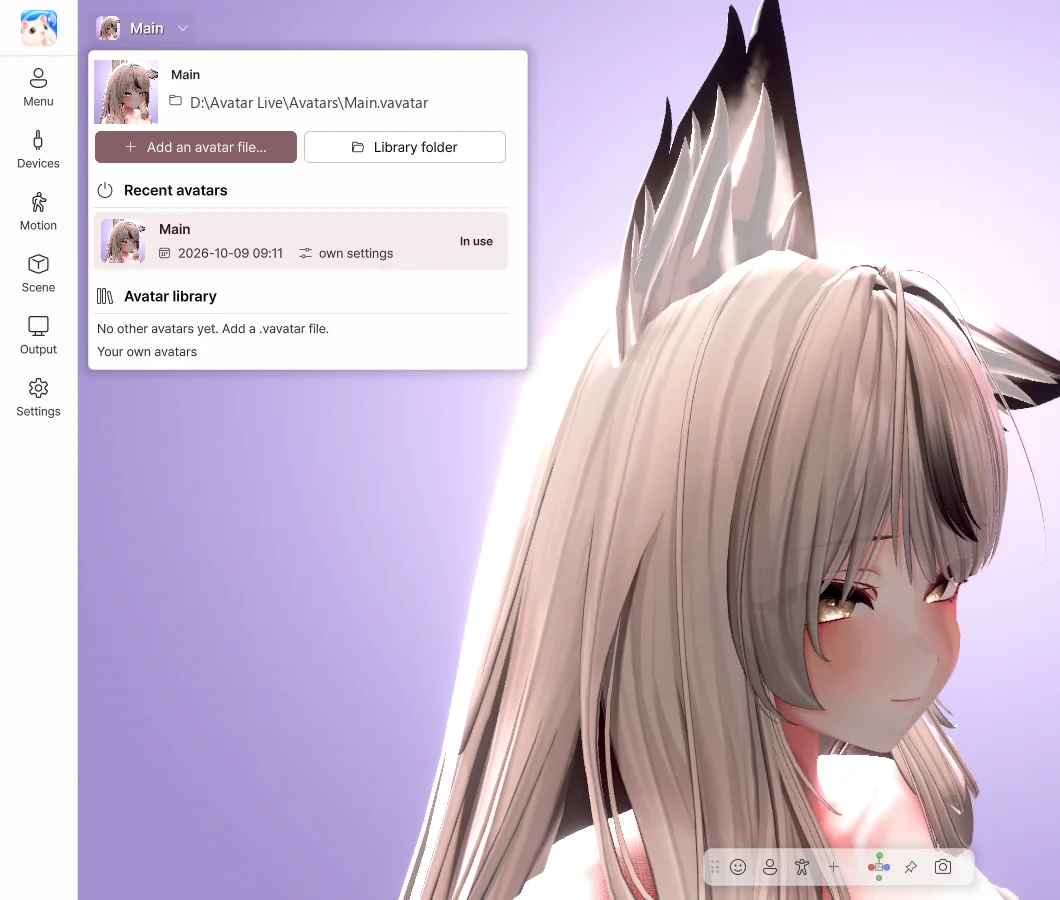
Choose a recently used avatar, or drag and drop a file. Lighting and camera are remembered for each avatar.
Press the same menu you used in VRChat. Items you use often can become buttons or hotkeys.
Make the expressions as guided, and the tracking automatically adjusts to fit your face.
Grab hair or a tail with the mouse and pull, then pose it in exactly the shape you like.
Send a transparent background over Spout2, and appear on Discord · Zoom through the virtual camera.
Share the game screen with your avatar on top, without OBS. Your friends see the game and your avatar, and you see only the game.
Change the mood with a single preset, and adjust each light's color · angle · range right in the view.
Buy extra rooms on BOOTH, and one order number adds them to your room list. Each room brings its own lighting and mood.
Broadcast integration · Beta
Throw objects, pour water and change the lights in response to Twitch, CHZZK and SOOP events and to reactions from Discord friends. It is a Pro feature, currently in beta.
Pick an event and a reaction from lists to make one line, such as a throw for a follow or a splash of water for a donation of 10,000 won or more.
Learn moreObjects fly in and hit, liquid runs down the body, and a hard hit knocks the avatar down before it gets up again.
Learn more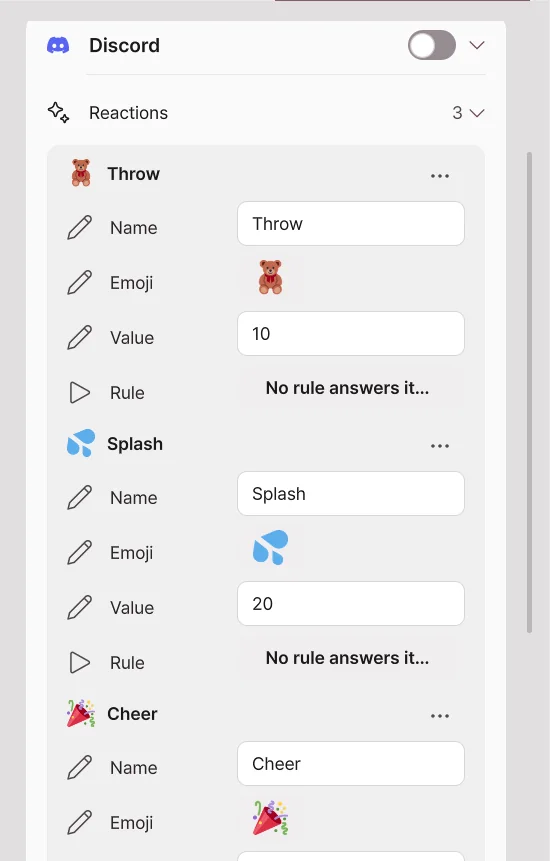
Friends who are not watching the stream can move your avatar too, with buttons and the /react command in a Discord channel.
Learn moreConnect event, condition and action nodes with lines to build reactions more complex than Simple setup allows.
Learn moreAdd the Avatar Live app to your Discord server or group DM. The app asks only for command permissions, and a connect code links it to your channel.
Comparison
Supported features may vary from program to program.
Editions
Basic and Pro are the same program. Your edition is set by the license you enter.
Personal use
¥1,990
Streaming · publishing videos · commercial use
¥3,980
Already using Basic? The Upgrade (¥1,990) on BOOTH turns it into Pro.
Prices are as shown on BOOTH. As this is a digital product, refunds are generally difficult after purchase, so please check the requirements before you buy. Refund Policy
FAQ
Yes. Export it with the Exporter from the Unity project you upload to VRChat, and the Expressions menu works just as in VRChat — right down to your outfit and accessory toggles. Shaders and PhysBones come along as they are.
You can load VRM 0.x and 1.0 files directly without Unity. To export a VRChat avatar as .vavatar, you need its Unity project (2022.3.22f1), but you won't need Unity to use the exported file.
Yes. Avatar Live directly imports VRM 0.x and 1.0 files. Some VRM 0.x models that use unsupported shaders may not load.
Your avatar's own shaders are shown as they are. We have tested more than 200 shaders, including Poiyomi and lilToon.
Yes. Turn on screen share and choose 'Avatar Live Share Output' in Discord, and the game and your avatar are shared together.
Basic is the edition for personal use (including private Discord sharing with friends), and Pro is for streaming, publishing videos and commercial use. Pro offers 4K output, no watermark, posing, the pose library, objects, broadcast integration and the node editor.
Yes. Connect Twitch, CHZZK or SOOP in Pro, and events such as follows, donations and channel points can throw objects, pour liquid, change the lights and more. Broadcast integration is in beta, so if something goes wrong, let us know with the app's error report.
Yes. Add the Avatar Live app to your Discord server or group DM and link the channel with a connect code, and your friends can send reactions with buttons or the /react command. It works only while your Avatar Live is running.
Yes. DLC rooms bought on BOOTH work with Basic too. Enter the order number in Settings → License → Enter another code, and they appear in the room list. The built-in rooms and room piece editing are Pro features.
Only Windows 10 / 11 (64-bit) is supported.
Start right now with the VRChat avatar you know.